
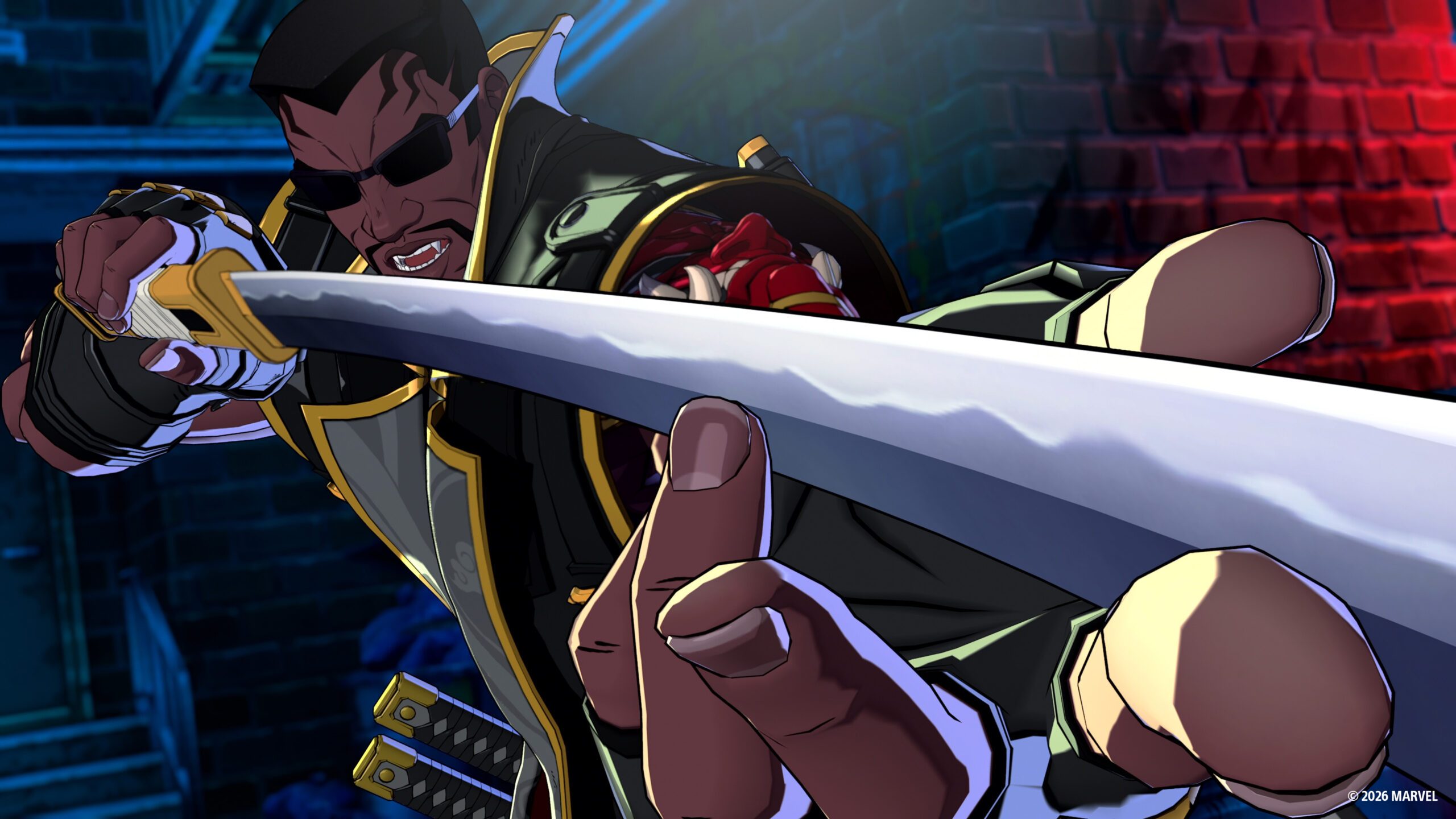
How to Switch Characters in MARVEL Tōkon
Use direct switches and assist-to-switch timing in MARVEL Tōkon, with the official teammate direction controls.
Quick Answer
To switch characters directly in MARVEL Tōkon, hold the direction assigned to the teammate and press L2: neutral or right selects teammate 2, down selects teammate 3, and left selects teammate 4. You can also press L2 during the brief “Switch?” prompt after an Assemble Assist to take control of the assisting character.